Step 1:
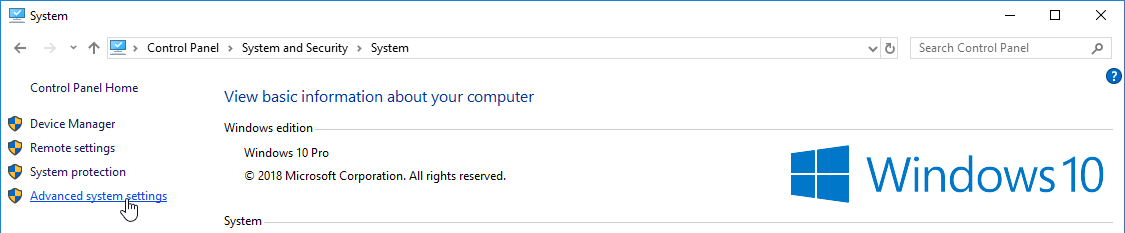
Step 2:
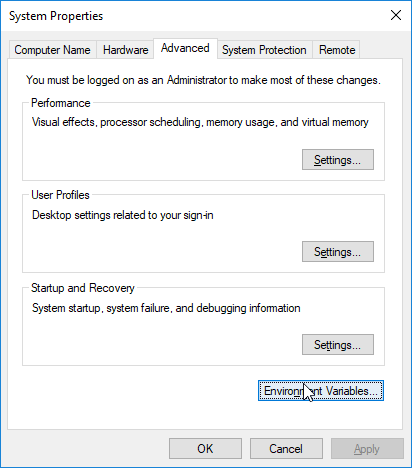
Step 3 :
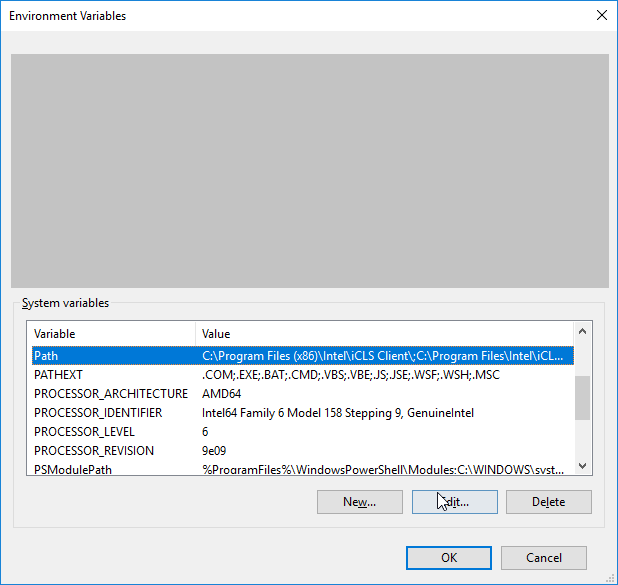
Step 4:
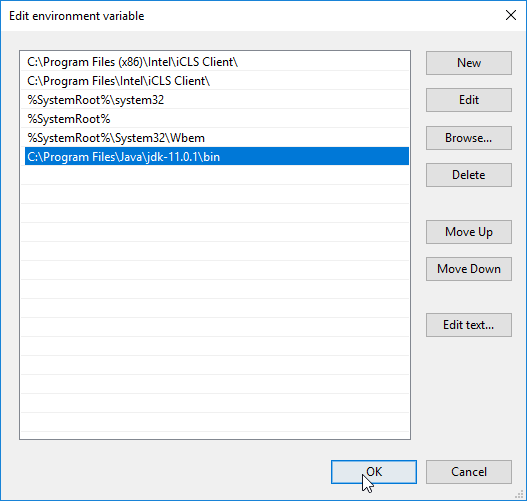
Step 5:
Write the following in the command line (cmd.exe):
C:\Users\Your Name>java -version
If Java was successfully installed, you will see something like this (depending on version):
Step 1:
Step 2:
Step 3 :
Step 4:
Step 5:
Write the following in the command line (cmd.exe):
If Java was successfully installed, you will see something like this (depending on version):
Leave a Reply